
Kaleidophone
Relaxing generative audio toy
Loads from the address in this record
The embedded game is supplied by its developer and opens only when you ask for it. No download, no account, no autoplay.
About this entry
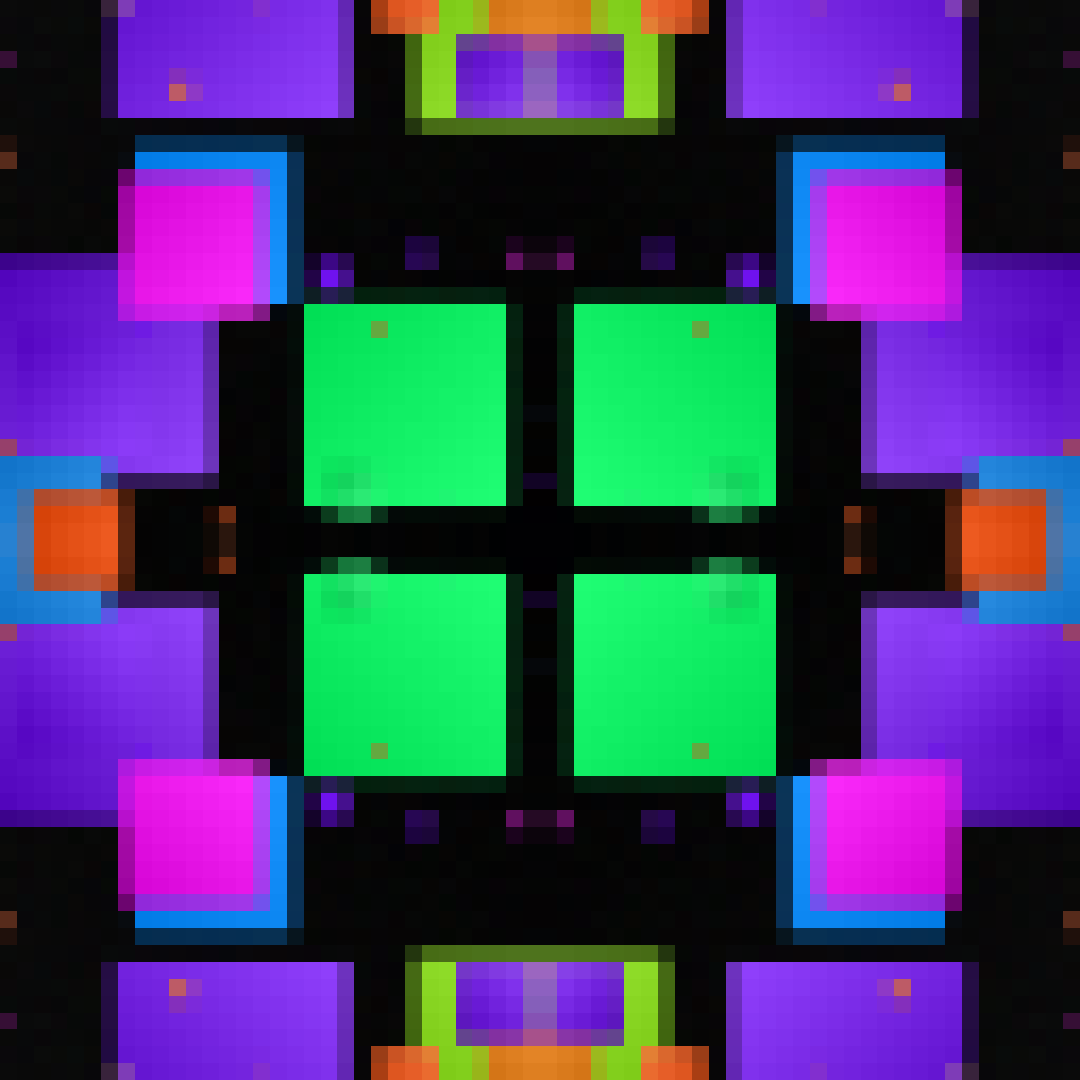
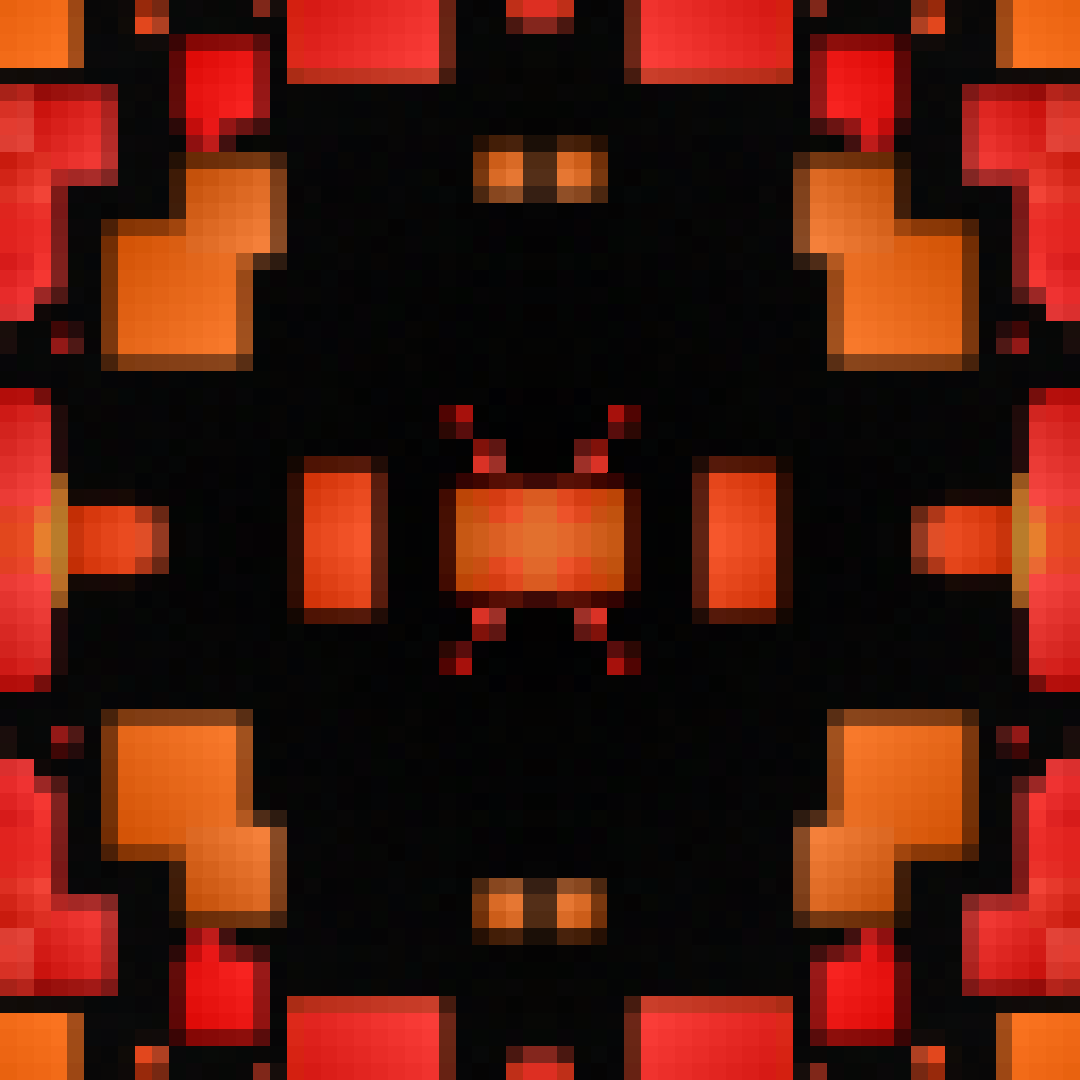
Explore ambient soundscapes by manipulating time. Rewind, scrub, freeze, or adjust playback speed. Enjoy unique songs each play.
How to Play
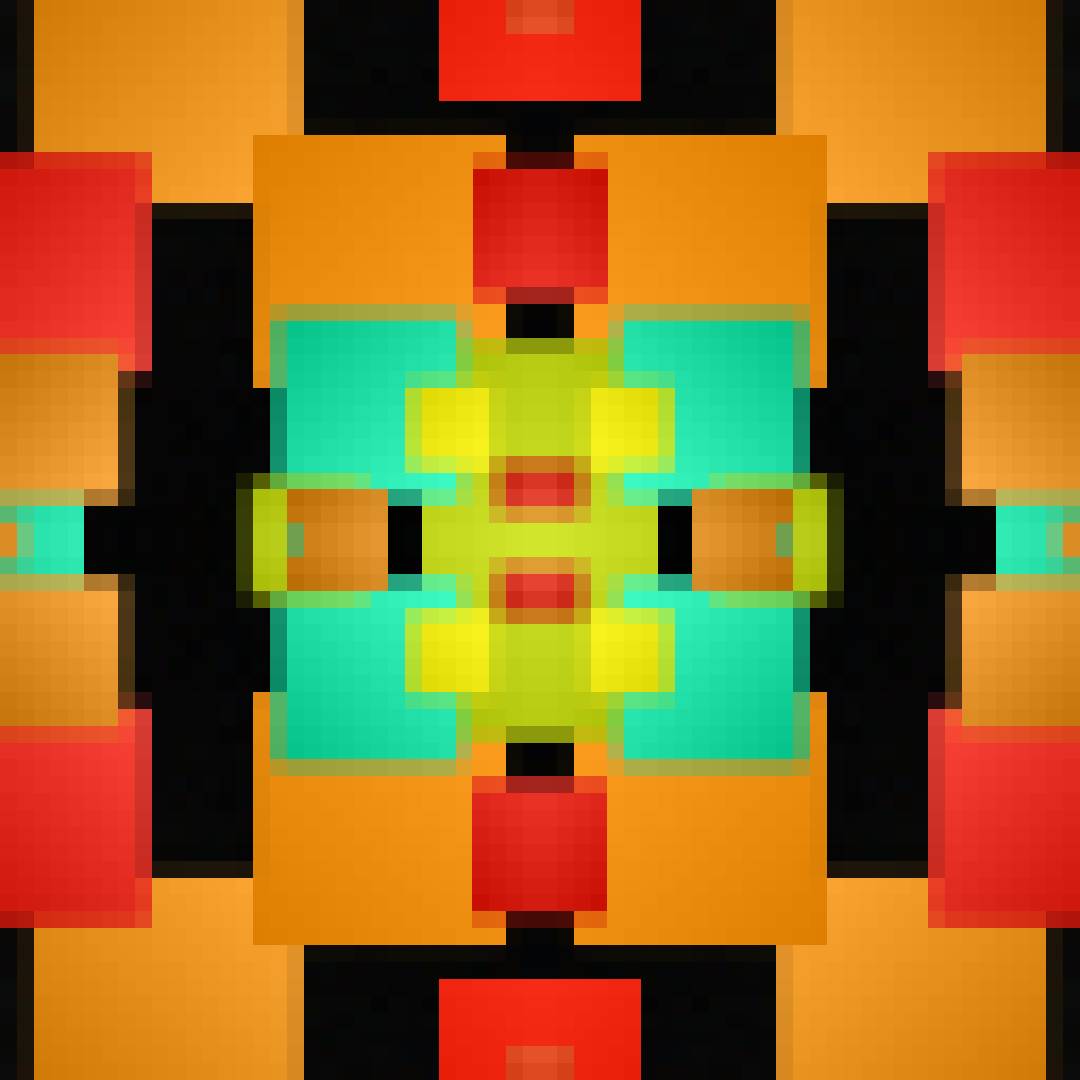
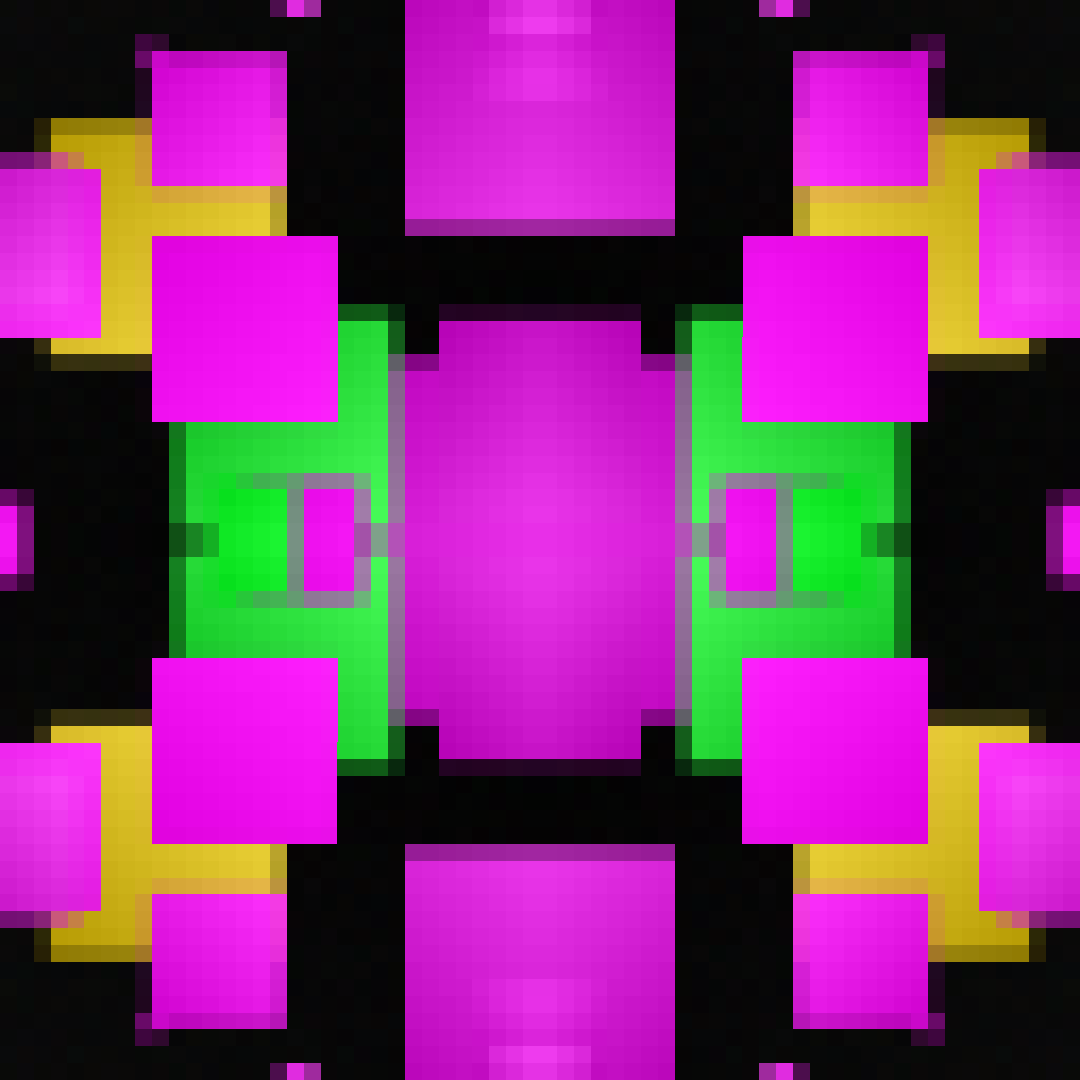
Interact to begin. Move forward and backward to scrub through time. Turn to pan and calibrate its kaleidoscopic visualizer. Play and rewind at adjustable speeds. Randomize at any time to hear something new.
Keyboard Controls
| Action | Key 1 | Key 2 | Key 3 |
|---|---|---|---|
| Play | E | Page Up | Numpad 9 |
| Rewind | Q | Page Down | Numpad 7 |
| Increase Speed | = | Numpad + | |
| Decrease Speed | – | Numpad – | |
| Set Speed | 0–9 | ||
| Scrub Forward | W | Up Arrow | Numpad 8 |
| Scrub Backward | S | Down Arrow | Numpad 5 |
| Turn Left | A | Left Arrow | Numpad 4 |
| Turn Right | D | Right Arrow | Numpad 6 |
| Toggle Rotation | F | End | Numpad 0 |
| Randomize | R | Home | Numpad * |
| Freeze | Z | Delete | Numpad. |
Mouse Controls
| Action | Button |
|---|---|
| Play | Mouse 5 (Forward) |
| Rewind | Mouse 4 (Back) |
| Increase Speed | Scroll Up (Wheel) |
| Decrease Speed | Scroll Down (Wheel) |
| Scrub Forward | Mouse 1 (Primary) |
| Scrub Backward | Mouse 3 (Secondary) |
| Turning | Mouse X-Axis |
| Randomize | Mouse 2 (Wheel) |
Gamepad Controls
| Action | Button 1 | Button 2 |
|---|---|---|
| Play | D-Pad Right | Right Bumper |
| Rewind | D-Pad Left | Left Bumper |
| Increase Speed | D-Pad Up | |
| Decrease Speed | D-Pad Down | |
| Scrub Forward | Any Stick | Right Trigger |
| Scrub Backward | Any Stick | Left Trigger |
| Turning | Any Stick | |
| Toggle Rotation | A | |
| Randomize | X | Select |
| Freeze | B | Start |
Touch Controls
The window is divided into a 3×3 grid of touch areas:
| Action | Touch Area |
|---|---|
| Play | Center right |
| Rewind | Center left |
| Increase Speed | Top center |
| Decrease Speed | Bottom center |
| Toggle Rotation | Bottom right |
| Randomize | Center |
| Freeze | Top left |
Controls
Before you startRecorded inputs
KeyboardXbox controllerTouchscreen
Captures
5 filed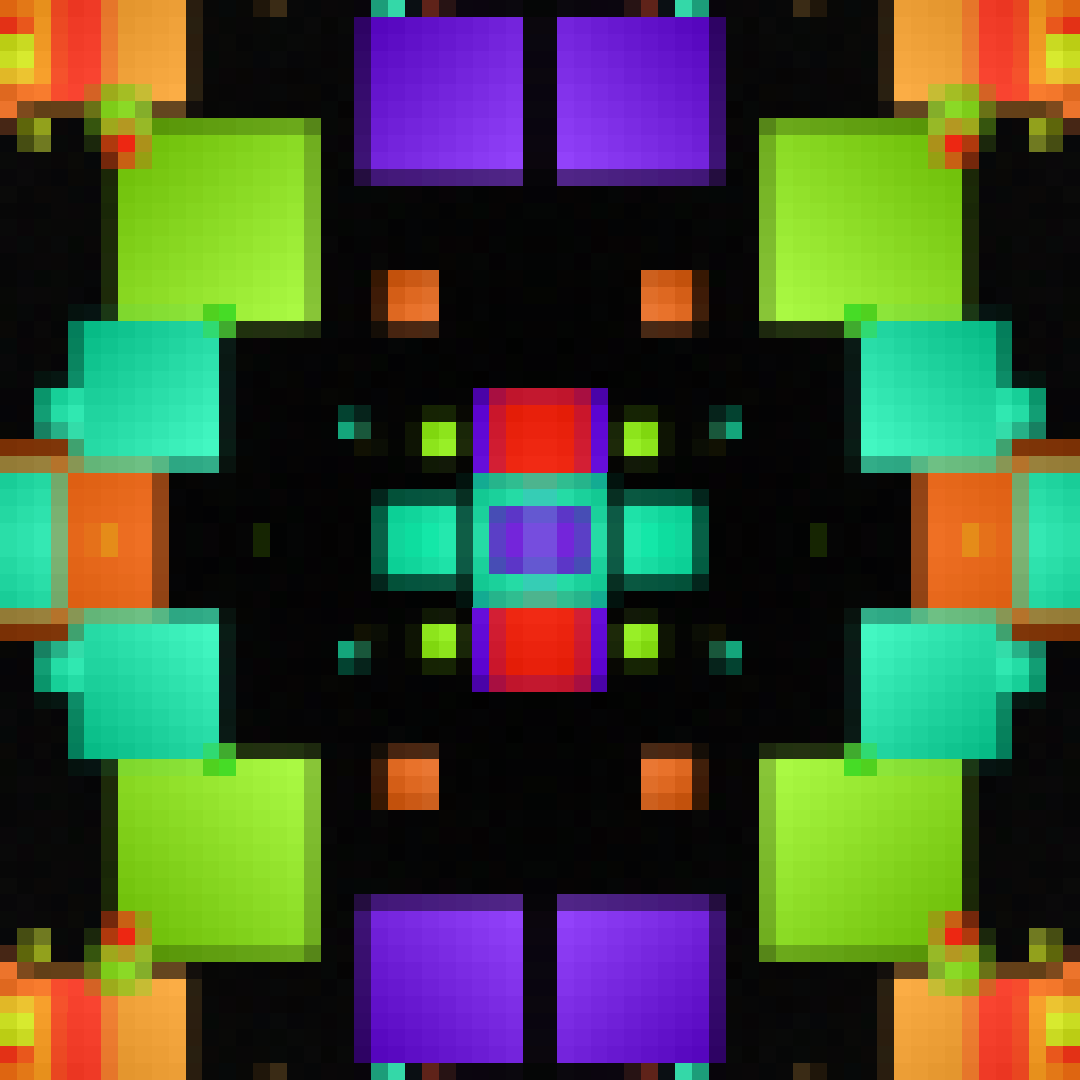
Entry data
From the catalogue record| Title | Kaleidophone |
|---|---|
| Genre | Simulation |
| Developer | shiftBacktick |
| Supported platforms | HTML5, Windows, Linux |
| Date filed | July 3, 2026 |
| Record no. | 3342 |
Filed under
Credits & rights
This is a catalogue record. The game, its artwork, name and trademarks belong to shiftBacktick. We host neither the game files nor a copy of its content; the playable frame loads from the address supplied with the record.
Wrong credit, or you own the rights and want this entry removed? Contact us or read the takedown procedure.