
MAGIC*GUNNER Moestar-chan
A magical girl themed roguelike designed for phone or mouse and keyboard. Created in MegaZeux
Loads from the address in this record
The embedded game is supplied by its developer and opens only when you ask for it. No download, no account, no autoplay.
About this entry
This is a roguelike game where you control MAGIC*GUNNER Moestar-chan in her quest to retrieve the Ankh of Spacetime.
This game is designed to be playable from your smartphone, but it can also be played with mouse and keyboard.
– Usual roguelike rules apply. The game is saved automatically, so you can close it and open it up again at any point. Death is permanent, however.
– You will find weapons and magical artifacts to aid you in your journey. Weapons are self-explanatory, but magical artifacts will need to be identified through trial and error.
– Your goal is to travel to the bottom floor of the dungeon, retrieve the Ankh of Spacetime and make it safely to the surface.
Touch controls:
– Tap on a dungeon floor tile to move towards that tile. If you tap on a tile that is some distance away from you, it may take several moves to get there.
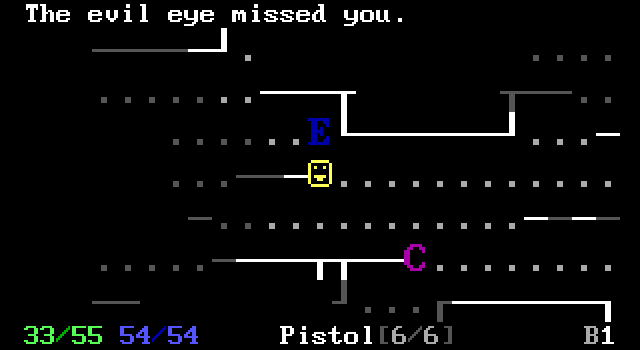
– Tap on an enemy to attack that enemy, either using your equipped melee weapon or using your equipped firearm, depending on whether the enemy is right next to you or some distance away.
– Long tap on a tile, enemy etc. to get more information, controls.
– Long tap on the player to reload your equipped weapon, access status and inventory screens, or transform into MAGIC*GUNNER Moestar-chan! (While in this form, enemy projectiles are slowed, you can reload every weapon in 1 turn and you can dodge enemy attacks. However, your MP will be constantly drained.)
– You can also access status and inventory screens by tapping the status bar at the bottom of the screen.
– While on the inventory screen, double tap on a weapon to equip it or on an artifact to use it. After tapping once, a [DROP] button will appear that can be used to drop excess items. You can’t drop either of your equipped weapons though.
– Tap on Moestar to reload your weapon if you are out of ammo. This will use one turn to begin the reloading process, but after that you can move around while continuing to reload. If you want to reload while you still have ammo remaining, long tap on Moestar.
Keyboard controls:
– Use the numpad, cursor keys or QWEADZXC to move. Hold Ctrl in conjunction with one of the above to fire your equipped firearm in that direction. Walk into enemies to attack with your melee weapon. (For attacking enemies in directions other than cardinal ones: use the mouse. You can right-click on tiles to bring up the context menu for those tiles.)
– Press R to reload your equipped firearm.
– Press space, S or numpad 5 to wait a turn.
– Press Ctrl+T to transform into MAGIC*GUNNER Moestar-chan!
– Press enter to bring up the status/inventory screen, or I to directly bring up the inventory.
– Press space while on the inventory screen to equip/use an item. Press delete to drop items.
Hints:
– Magical artifacts are highly useful, but you need to experiment to find out what each artifact does. Some are instantly revealed when you invoke them, while others have passive abilities.
– If you are fast enough you can dodge enemy projectiles, or even knock them out of the air with your melee weapon.
– Don’t be disheartened if you see the message ‘The ring has no effect’ or similar when invoking an artifact. Some artifacts only operate under certain conditions- for example, Restore Health requires you to have less than maximum health for it to work. It may be worth retrying artifacts you previously tried on occasion.
This game was made using, a fantastic game creation system. Go check it out.
Controls
Before you startRecorded inputs
KeyboardMouseTouchscreenSmartphone
Captures
2 filed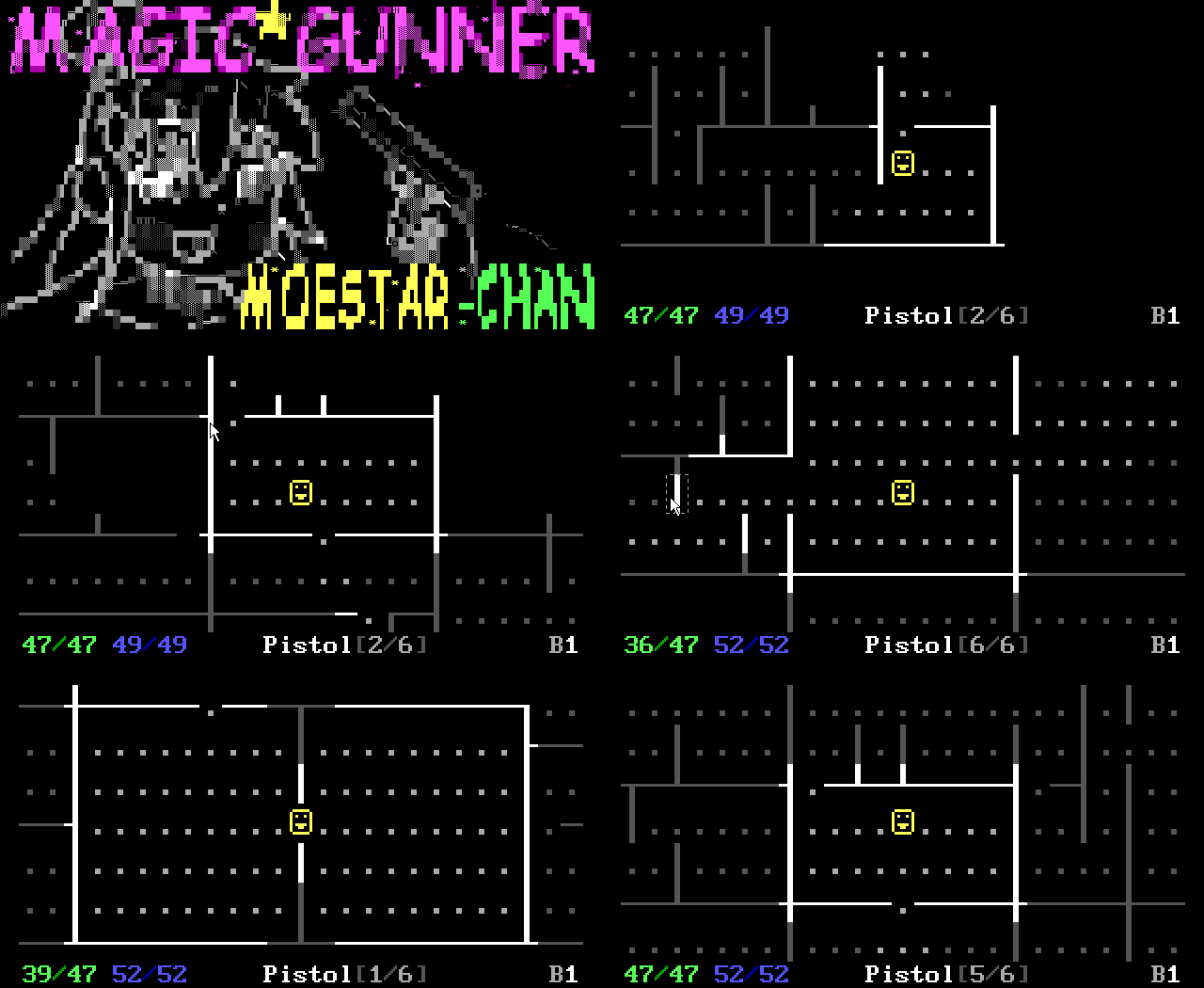
Entry data
From the catalogue record| Title | MAGIC*GUNNER Moestar-chan |
|---|---|
| Genre | Role Playing |
| Developer | Mahou Shoujo â Magical Moest |
| Supported platforms | HTML5 |
| Date filed | September 14, 2026 |
| Record no. | 3195 |
Filed under
Credits & rights
This is a catalogue record. The game, its artwork, name and trademarks belong to Mahou Shoujo â Magical Moest. We host neither the game files nor a copy of its content; the playable frame loads from the address supplied with the record.
Wrong credit, or you own the rights and want this entry removed? Contact us or read the takedown procedure.