
Txtaria
ASCII art platformer made with Phaser.io
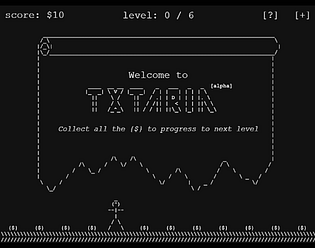
Loads from the address in this record
The embedded game is supplied by its developer and opens only when you ask for it. No download, no account, no autoplay.
About this entry
Txtaria
A single-pane platformer where money rains from the sky. Your job is to clean it up.
About
I’m creating this game to learn the HTML5 game framework. I began with their tutorial and built upon it, making it modular, responsive, and work with touch controls. My goal is to create an H5 game that plays well in all browsers, on all devices, and is as accessible as possible.
This game is open source and free to play in your browser, without any downloads. You can see the source code on. Feel free to fork it, add your own levels, or change the artwork and make your own game. Just send me a link so I can play it when you’re done:)
The artwork is heavily inspired by one of the most beautiful places on the Internet – a multi-player text adventure called. ASCII art brings me a lot of joy because it reminds me of some of the first computer games I ever played. I hope you enjoy it too <3
Controls
On keyboard, everything should work as you expect. WASD or arrow keys to move your dude, [ENTER] or click on dialog buttons, [/?] and [X] to toggle menu.
On touchscreen, you can play with one finger or two. With two-finger touch, you can hold down one side of the screen and tap with another finger to jump while moving.
| Action | Keyboard | One- or Two-finger Touch |
| jump | W / up arrow | tap anywhere |
| left | A / left arrow | touch and hold left side of screen |
| stomp | S / down arrow | swipe down in game area |
| right | D / right arrow | touch and hold right side of screen |
Settings and Data
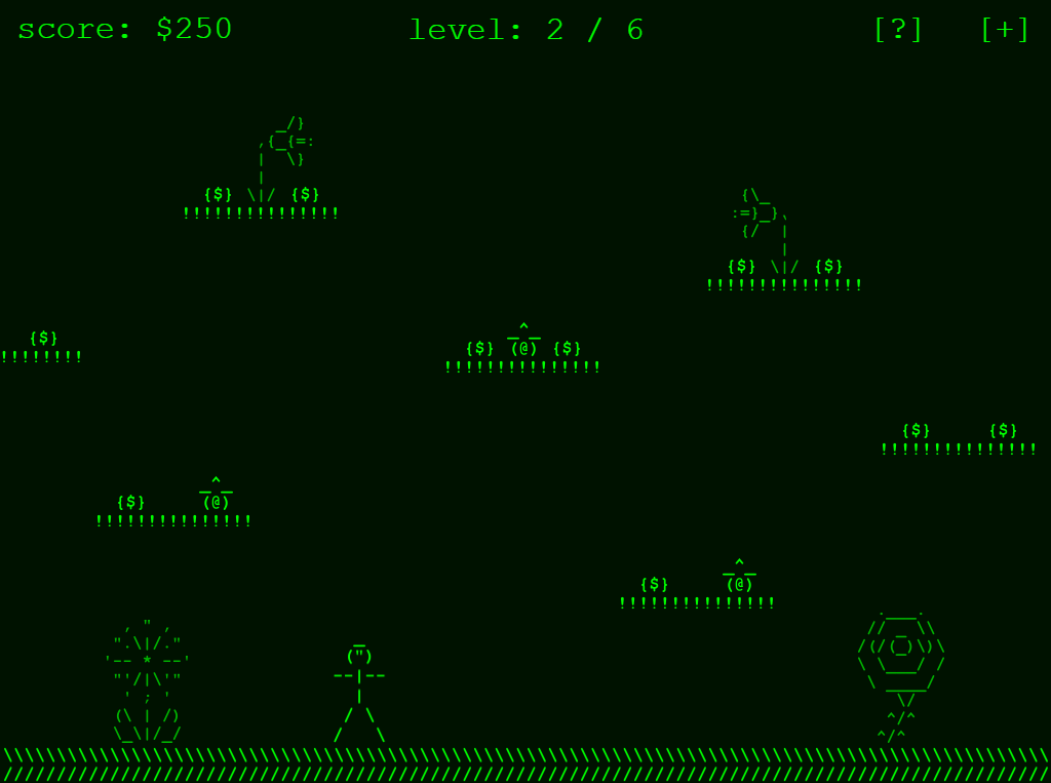
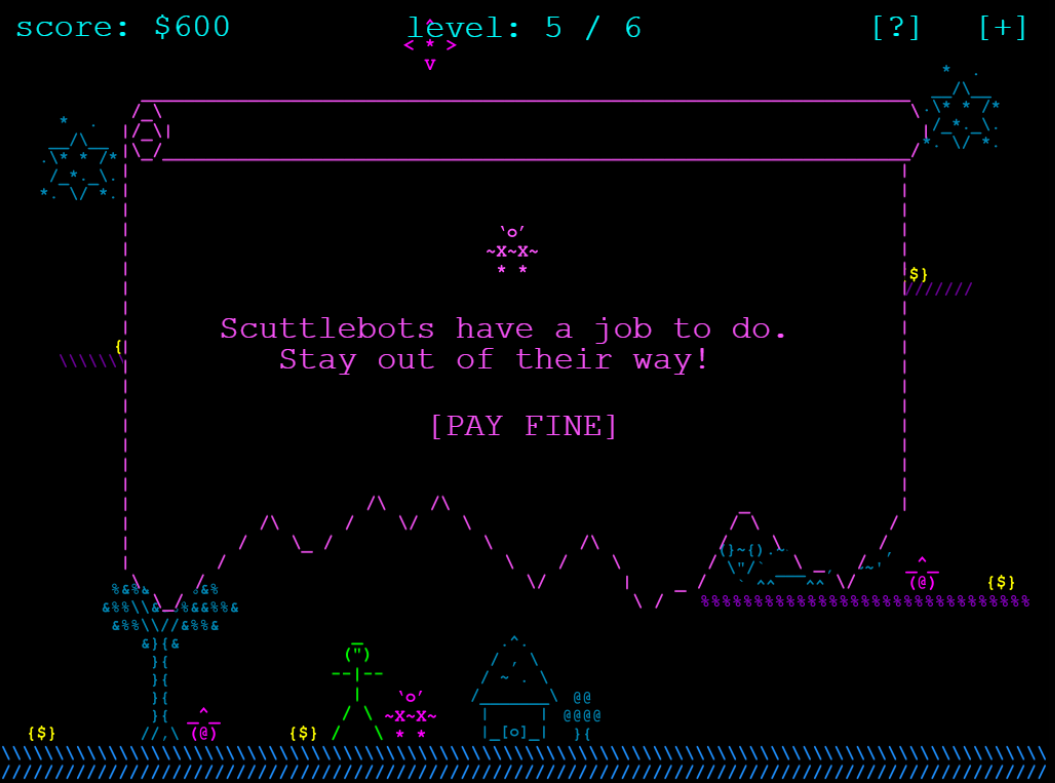
ASCII art can be a bit hard on the eyes, so I’ve created some colour-coded themes to make things a little clearer. Which one is your favourite? This one’s mine:
No data is collected. Your level, sound, and theme settings are stored locally in your browser. You can click [DELETE DATA] to clear them from your browser’s memory.
Feedback
This game is in early development, so please leave a comment telling me what you like, what you don’t, and if you find any bugs. Before I add more levels, I want to make sure the controls are bug free and the physics feels good, so let’s start there!
Controls
Before you startRecorded inputs
KeyboardMouseTouchscreenSmartphone
Captures
3 filed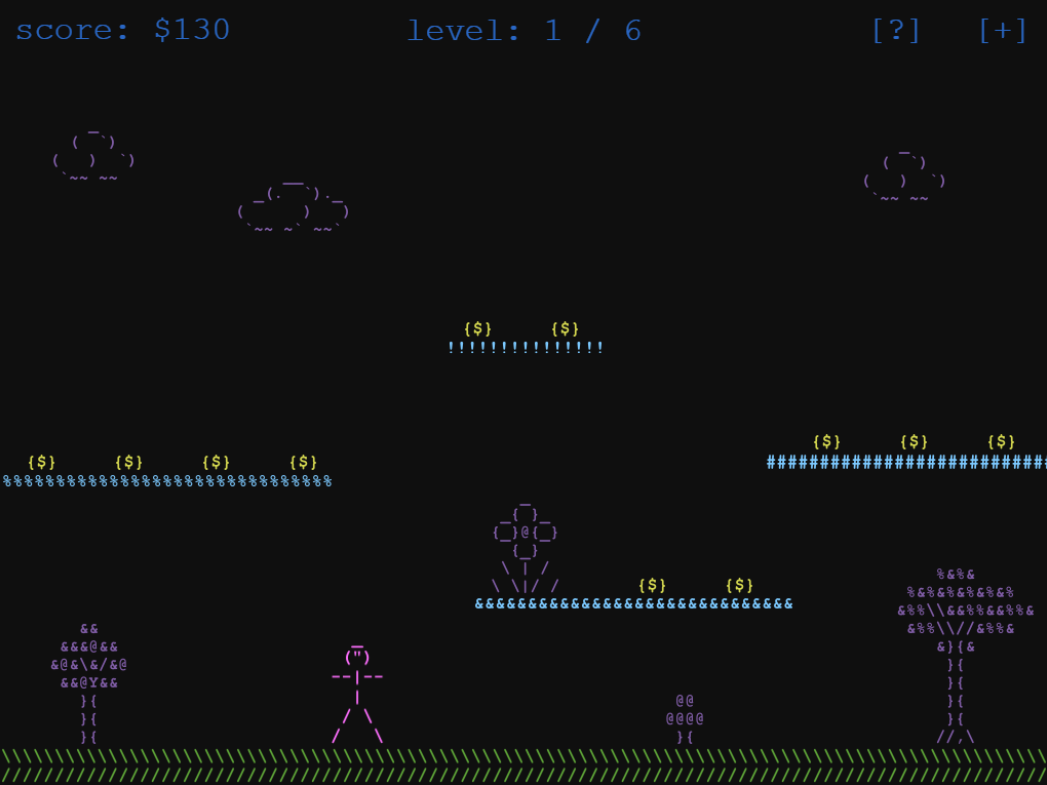
Entry data
From the catalogue record| Title | Txtaria |
|---|---|
| Genre | Platformer |
| Developer | ar0se |
| Supported platforms | HTML5 |
| Date filed | October 26, 2026 |
| Record no. | 3169 |
Filed under
Credits & rights
This is a catalogue record. The game, its artwork, name and trademarks belong to ar0se. We host neither the game files nor a copy of its content; the playable frame loads from the address supplied with the record.
Wrong credit, or you own the rights and want this entry removed? Contact us or read the takedown procedure.